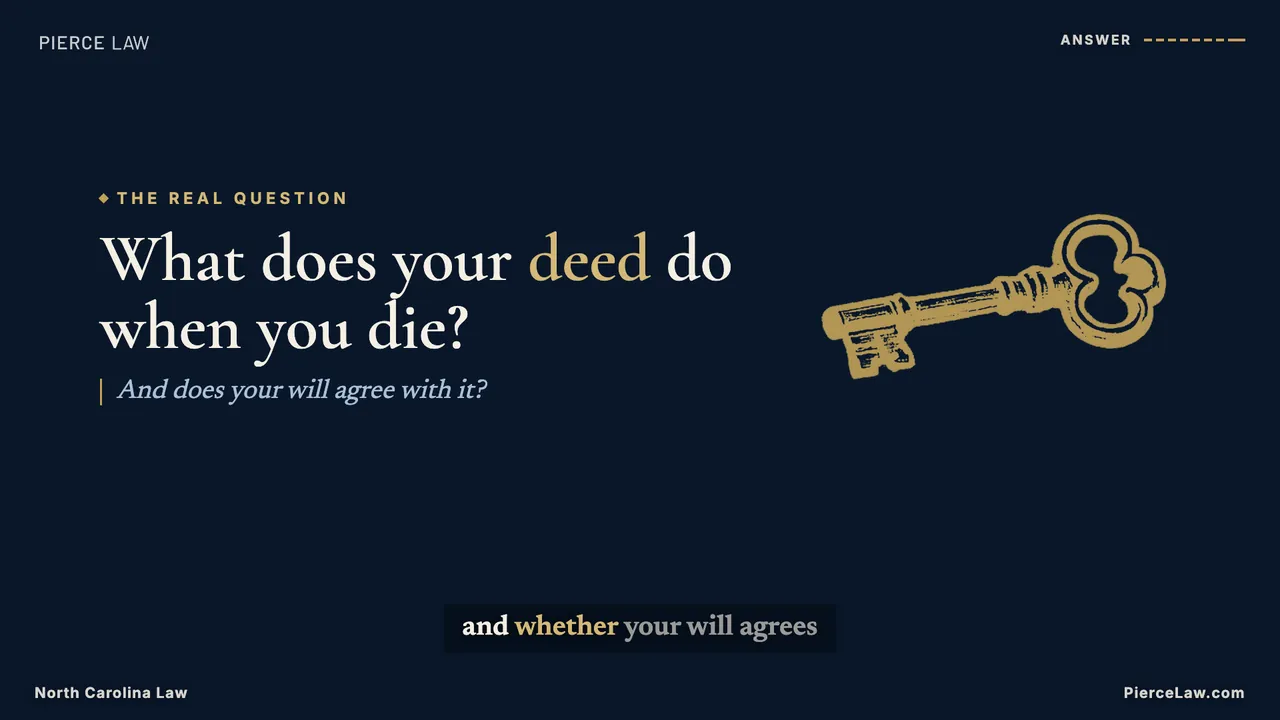
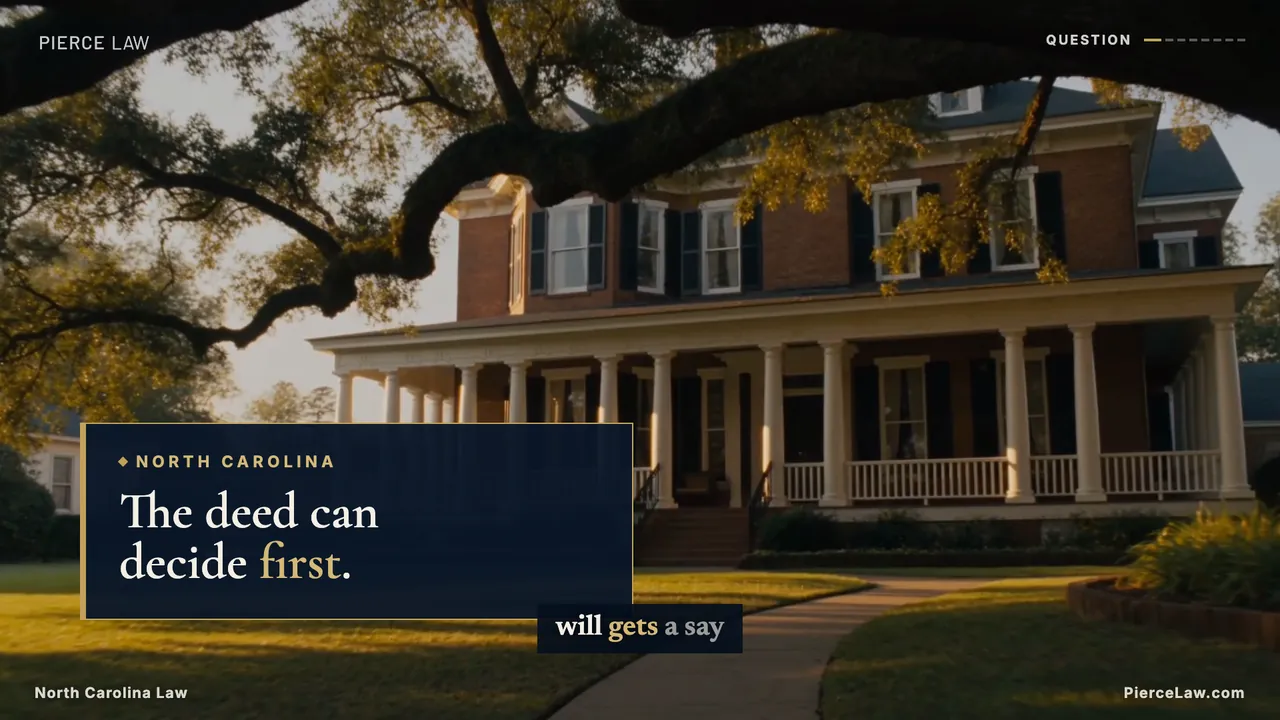
Every Pierce video starts as a published article on piercelaw.com and ends as one 16:9 long-form explainer plus exactly five 9:16 shorts harvested from it. Every deliverable includes a hook-led cover and platform-specific publishing copy. This page is the full runbook — an agent (or a teammate) can take a topic from source through packaging, script, voiceover, footage, edit, covers, descriptions, and publishing without re-deriving any step.
The chain
One topic in, one asset family out. The order is fixed: voiceover comes before the edit because the word-level timings it produces drive every caption and animation cue; descriptions come last because their chapter timestamps are computed from the finished timing.
A picture-locked 16:9 explainer, 3840×2160 cover, and shorts harvest list
video-local/out/
6
timds video render
Exactly five platform-ready 9:16 verticals harvested from the longform
Shorts · video-local/out/<Topic name> - <date>/Short form - <sub topic>/
7
timds video render
Longform and short descriptions, publishing records, and provenance
video/productions/<slug>/publishing.json
Output contract — 1 + 5. Each topic ships from video-local/out/<Topic name> - <YYYY-MM-DD>/ with one Longform/ folder and exactly five Short form - <sub topic>/ folders. Every folder contains its MP4, thumbnail.jpg, description.md, and publishing.json. The long-form cover is 3840×2160; every short is 1080×1920 with its selected-thumbnail design embedded at frame zero. Source, script, timing, publishing, and scene records stay under video/productions/<slug>/; audio and review renders remain ignored local artifacts. At handoff, the agent states the absolute review-folder path.
Root trigger — “Create a new video”
From the repository root, “Create a new video” triggers the TimDS-managed timds-create-video skill at .agents/skills/timds-create-video/; “Create a video” remains an accepted shorthand. The generic skill reads this Design System's executable Pierce contract and runs the package-owned tooling. The agent must choose or confirm the article, produce one longform plus five harvested shorts, use registered b-roll unless new footage is explicitly authorized, generate thumbnail photography when useful, generate publishing copy, render, inspect, and export one organized review folder.
Default topic + duplicate gate. If no article is named, choose the newest suitable published post at piercelaw.com/news/. Before scripting, search the public Pierce Law NC Probate YouTube uploads by canonical article URL, normalized title, and substantially equivalent question. Save the channel URL, date, search terms, and matches in request.json. If a match exists, continue to the next-recent post unless the requester explicitly asks for a remake.
Authorization remains specific. The root trigger authorizes the package and thumbnail-image generation; it does not authorize new footage generation. New moving footage still requires a literal request or later approval recorded as "newFootageRequested": true.
Step 0 — Every video starts at the blog
Videos are adaptations, not originals. Each one answers the single question a published piercelaw.com article already answers — the article supplies the legal substance, the video supplies the hook, and the description routes viewers back to the article for the full answer. No article, no video: a topic that comes from research instead of the blog gets its article written and published first, so the description has something real to link to.
Where to pull topics
How
The blog (default)
Posts live in the site database (data/piercelaw.db, posts table) and publish at piercelaw.com/news/<category>/<slug>/. The Q&A series — probate-question-and-answer and estate-planning-qa-series — are pre-packaged video topics: each post title already is the question the video answers.
Research
video-topic-research mines search demand, client-question patterns, and competitor gaps for ideas the blog hasn't covered. A winning idea becomes an article first, then re-enters this pipeline at Step 1 as a blog-grounded topic.
The canonical article URL and the duplicate-search evidence are recorded in video/productions/<slug>/request.json; publishing copy carries the same URL in publishing.json. The relationship remains reviewable without a per-topic code file.
Fidelity rule. The video may compress, reorder, and dramatize — it may never claim more than the article does. If a script line states a deadline, a statute, or a procedural step, that fact must appear in the source article. Anything the script needs that the article lacks is a signal to update the article, not to freelance in the video.
Step 1 — Topic & packaging
Packaging — the title and thumbnail concept — comes before the script, because it decides whether the video gets watched at all. Every idea is scored (demand, differentiation, click gap, deliverability, audience fit) before it's written; anything averaging under 3.5 dies unless overridden.
The packaging block — the contract handed to Step 2:
SOURCE ARTICLE: [piercelaw.com/news/... — the post this video adapts]
IDEA: [one-line video description — what happens]
TITLE OPTIONS: [3 options, distinct psychological angles, ≤60 chars each]
THUMBNAIL CONCEPT: [what's literally in frame — always a face or two with a strong
  emotion tied to the video — see /design-system/social/thumbnails]
HOOK PREMISE: [the first-15-seconds promise the script must open with]
CORE PROMISE: [what the viewer knows/feels/can-do by the end]
FORMAT: [explainer / myth-vs-reality / step-by-step / stat-led]
UNFAIR ADVANTAGE USED: [licensed NC probate attorneys, real filing deadlines]
SHORT-FORM SPINOFFS: [exactly 5 self-contained payoff angles — feeds Step 6]
ESTIMATED EFFORT: [S/M/L]
Pierce's content pillars — the recurring themes a packaged idea must map to (see Pillars & Cadence for the full posting calendar):
Pillar
Unfair advantage it leans on
Example series
Probate education
Real NC statutes and deadlines (90-day inventory, etc.) a generic creator can't cite with authority.
Probate, Plainly — The Name, Deadlines, Skip Probate, Executor.
Myth vs. reality
Direct client-question patterns the firm hears every week.
"Does It Even Go Through Probate?"
Attorney authority
Licensed, local counsel — not a content creator explaining law secondhand.
Attorney-led explainer segments.
Community & firm news
Local presence in the NC counties served.
Firm updates, event recaps.
Discovery vs. authority vs. community. A healthy calendar month has at least one broad-appeal discovery play (a myth-vs-reality hook), one depth play for the core audience (a full process explainer), and one community play. Don't run three deep explainers in a row.
Step 2 — Script writing
A script is engineered to survive being endured second by second, not scanned. The retention audit — first 15 seconds, loop ledger, dead-zone scan, ending check — runs before any script is considered done. Rate of speech for pacing math: ~140–160 spoken words per minute; the finished longform lands at 55–80 seconds including the fixed closing outro beat.
The house formula — 8–10 one-breath lines with semantic ids, each line one idea. The last beat is always the brand outro, filled from a fixed template — never freestyled:
Beat
Retention job
Delivery
hook
State the video's complete question immediately, rephrased to 20 spoken words or fewer. Preserve the source article's real decision point, but sharpen it with a truthful stake, consequence, contrast, or unresolved choice that earns the click. The complete question must be the first tts line—no greeting or throat-clearing.
Slowest, lowest: -9% / -2Hz
5–7 substance lines
One fact or step each, semantic ids (capacity, timing…). Numbers spelled out when they carry weight ("ninety days"). Fragments as beats: "No will. No spouse. No children."
Brisker: -3% to -5%, +0Hz on pure information
answer
Reframe the question rather than restate the facts: "So the question isn't 'can they speak?' It's 'do they understand?'"
Back to slow: -8% / -2Hz
outro
The brand line, filled from one fixed template: "This is Probate, explained plainly, with Pierce Law. Visit PierceLaw.com to get more answers." No subscribe ask, no viewer question — the video ends on the brand line. The fixed outro card places PierceLaw.com directly below the real logo; no phone number.
-9% / -2Hz
Intro-question gate. Store the exact spoken opener as publishing.json → introQuestion. It must end with a question mark, contain no more than 20 whitespace-delimited words, and exactly match the first script.json line with id hook. npm run check:video rejects a topic that misses any of those conditions. “Click-worthy” means the wording foregrounds the honest human stake already present in the article; never add danger, urgency, conflict, or a promised outcome the source cannot support.
script.json is the production format — voiceover copy plus per-line voice direction in one file:
{
  "voice": "en-US-AndrewMultilingualNeural",
  "rate": "-7%",
  "pitch": "-1Hz",
  "lines": [
    { "id": "hook", "tts": "They're on a respirator. Can they still sign a power of attorney?", "rate": "-9%", "pitch": "-2Hz" },
    { "id": "capacity", "tts": "The machine isn't the issue. Capacity is: understanding the document, and choosing it freely.", "rate": "-5%", "pitch": "-1Hz" },
    ...
  ]
}
Spoken-word rules still apply. Contractions, direct address, short words, no AI-tell vocabulary ("delve," "game-changer," "let's get started"). Em dash for a catch-breath, colon for a reveal. Read every tts line aloud before recording — if you wouldn't say it to a client across a desk, rewrite it.
No-CTA rule. Scripts carry no calls to action: never ask the viewer to subscribe, like, comment, or answer a question — anywhere in the script. Soliciting comments invites legal questions, and responding to one with legal advice is a compliance risk. The only close is the fixed brand outro above, and shorts inherit it automatically because every short's harvest ends on the longform's outro line.
Step 3 — Voiceover: the same voice, every video
Voice continuity is a brand asset — a viewer who has seen one Pierce video should recognize the next one with their eyes closed. That comes from one engine, one voice, one base setting, varied only line-by-line within the documented cadence range. Full doctrine on Voice & Tone.
Step
What to do
Why it stays the same voice
1 · Declare
Top of every script.json: voice en-US-AndrewMultilingualNeural, base rate -7%, base pitch -1Hz. Never a different voice, never a bare 0Hz (the sign is required).
The base settings are the voice's fingerprint across the catalog.
2 · Shape
Per-line rate/pitch overrides follow the cadence recipe — hooks and empathy slow (-9% to -13%), lists brisk (-3% to -6%), 5–7 points of rate spread across the video. Below -15% is banned.
Uniformity is what sounds like AI; the range is standardized, so variety itself is consistent.
3 · Generate
npm run timds -- video voiceover <slug> — TimDS runs edge-tts, renders one ignored mp3 per line into video-local/public/audio/<slug>/, and writes the committed captions.json timing fixture.
No API key. The checked-in timing fixture, not a claim of deterministic synthesis, locks the reviewed take.
4 · Never re-time
Generation is idempotent: a video with an existing captions.json is skipped. Never run --force after the edit starts — it re-times every word and silently breaks every cue() in the scenes.
Locked audio means the longform and its shorts stay frame-accurate to the same take.
5 · Reuse for shorts
Shorts reuse the longform's mp3 files — the harvest picks lines, it never re-records them.
The short and the explainer are audibly the same performance, not a sound-alike.
6 · QA listen
Full listen-through against the voice page checklist before any render: no mangled words, no up-note endings, empathy lines slowest.
Catches engine mispronunciations while the fix is still a one-line spelling tweak.
Why voiceover precedes the edit.captions.json word timings drive scene duration and burned-in captions in the TimDS runtime. The edit is built on the audio, so the audio must exist and be final first.
Step 4 — Scenes & b-roll
Each script beat becomes one scene in production.json, and every content scene carries footage from the shared b-roll library — one clip, or an ordered chain of clips when a single clip cannot cover the scene (only declared intro and outro cards render without footage) — 144 Seedance 2.0 clips in the Editorial Heritage grade, each documented with its content context, subject side, and text placement. The library is the default source. New footage generation is permitted only when the request explicitly asks for new footage. Match the beat's register to the library's sections:
Generation gate — explicit request required. A request to “make a video,” “plan the shots,” or “produce an example” does not authorize new image or video generation. First build the beat sheet, search the B-Roll Library by meaning and layout, and use its registered clips. Generate a new clip only when the request literally asks for new footage (or the requester approves it after a documented library gap). Record that authorization as "newFootageRequested": true in the topic's request.json. Missing footage plus false means choose another library clip — never silently call a generation service.
Script beat
Register to reach for
Library section · examples
hook
The strongest emotional image the topic allows — this beat carries feeling.
People — cinematic: widow-window, family-walk; or a charged object like check-on-desk.
Substance lines
Neutral objects and settings — safe under any text box, they let the words lead.
Institutional weight — once per video, twice reads as a lecture.
The court: courthouse-person, courthouse-columns.
Human moments
Warmth without identity — faces out of frame by design.
People — hands & moments: clasped-hands, beneficiary-envelope, handing-keys.
answer
Return to emotion or resolution — close the loop the hook opened.
People — cinematic: siblings-porch, walking-away-field, consult-office.
outro
None — the fixed brand outro card, no footage.
Logo, gold rule, "Probate, explained plainly."
The non-negotiables from the library's house rules, enforced at pick time:
Rule
In practice
One emotional clip per beat
Cinematic people shots carry the hook, the turn, or the answer — not every scene. The object layer gives emotion room to land.
Text sits opposite the subject
Every clip declares its subject side; the engine keeps text boxes on the clear side or picks the -offset/-mirrored variant. Clips containing writing are NEVER FLIP — move the text, not the footage.
Never crop a head
Ken Burns zooms anchor near the top of frame on people clips; text stays over torsos and furniture. The #1 review note.
Scrim before text
Full-bleed footage under type gets a navy scrim — 0.5–0.75 on shorts; 16:9 text boxes carry their own fill.
No back-to-back footage repeats
A clip may return later, but the same footage family never plays twice in a row—inside a scene chain or across a scene boundary. Offset, mirrored, and vertical derivatives count as the same footage. npm run check:video rejects adjacent repeats.
No frozen tails
TimDS reads each source's measured catalog duration and plays every clip at natural 1× speed. When one clip cannot cover a scene, declare an ordered chain in the scene's assets array. Append approved clips until their natural durations cover the scene's measured narration and pads. A short chain fails the render. Never slow, freeze, pause, or hold the final frame.
Metadata is executable
clip-meta.json controls subject side, flip permission, and horizontal copy position; vertical-meta.json controls the approved crop and headline zone. Missing metadata is a hard failure. Review the first, middle, and last frame of every people shot for face collisions.
Vertical picks are pre-made. Every clip has a -vertical 9:16 crop with its own text rule — people clips are lower-third only so heads stay clear. Shorts never re-crop the 16:9 masters by hand.
Only after explicit authorization: generate with Seedance 2.0 through the Higgsfield CLI at 16:9, 1080p, six seconds. Use one simple continuous action and the locked prompt order below. Inspect every result; reject readable writing, logos, cuts, distorted hands, cropped heads, or exaggerated expressions. People clips fail more often than objects, and generation concurrency is capped at six jobs.
SUBJECT: {one scene, one simple continuous action, faces soft or out of frame}
CAMERA: One continuous slow {push-in | lateral dolly | follow}, no cuts.
STYLE: Cinematic editorial heritage look — warm late-afternoon golden light,
deep navy, cream and antique-brass palette, natural skin tones, shallow depth
of field, calm unhurried movement, quiet dignified mood, photorealistic,
filmic grain. No exaggerated expressions, no on-screen text, no logos, no
readable writing.
Keep generated motion simple. Hands may hold or place an object. Avoid page-turning, pouring, fast manipulation, and multi-step action; those are the highest-risk sources of morph artifacts. Stillness plus light is the house move. Register an approved master with TimDS and add its subject side, flip permission, text zone, vertical derivative, duration, and semantic use before the clip enters an edit.
Step 5 — Longform edit
The prime directive: cut anything that doesn't earn its seconds. This repo has no traditional NLE timeline — Remotion assembles the cut in code — but the same five passes apply; they just have different tools.
Pass
In an NLE
In this repo
1 · Assembly
Lay the cut in script order, best takes.
Scene order in production.json; the TimDS runtime sequences scenes from captions.json.
2 · Retention
Tighten gaps, re-add weight before reveals, enforce visual-change cadence.
Per-scene lead / tail pad tuning in the pads map; a surface change (navy/gold/ivory) or new motif every scene is the visual-change cadence.
3 · Sound
Clean dialogue, structural music, SFX on graphics, mix hierarchy.
edge-tts VO is the whole track today — no music bed or SFX yet. Gap: a bed under the gold-surface emphasis beat is the highest-leverage addition per the mix-hierarchy rule.
4 · Graphics, color, polish
One type family, one animation language, consistent grade, motivated transitions only.
Client colors, font stacks, logo, watermark, and copy limits come from video/contract.json; TimDS applies the common composition behavior. Gold emphasis remains one exact phrase per headline.
Use timds video studio <slug> for frame review, then timds video render <slug> for the deterministic 1920×1080/30fps package.
Diagnosing a flat video. A steady bleed (smooth downward retention) means a pacing drone — check for uniform lead/tail values across every scene in the pads map. A cliff in the first 30s means the cold open breaks Pass 2 — check the hook's lead isn't padded with dead frames before the first word.
Machine-enforced production copy. AI-authored plans supply content, not layout. Eyebrows are capped at 5 words; persistent scene headlines are capped at 8 words in horizontal video and 6 words in Shorts; horizontal sublines are capped at 10 words and Shorts do not carry persistent sublines. A producer summary must already express a complete thought within that limit—mechanical truncation is not copy editing, and the video check rejects obvious dangling endings such as “the bank’s.” Narration captions page at 5 words and occupy a reserved lower lane that the persistent headline cannot enter. Every cover carries its deliverable's complete question — 20 words or fewer, ending in a question mark — and the type shrinks until the block fits its box, with no minimum size. Every content scene must declare registered footage — a single asset or an ordered assets chain. The production contract rejects an over-limit, non-question-cover, or footage-free plan before Remotion renders it. The kit also forbids orphans: every wrapped line of a headline, intro question, or subline carries at least two words — the final word pair is tied with a non-breaking space and lines break with text-wrap: pretty, so a line never ends with a single dangling word.
Watermark contract — every frame, both formats. The real Pierce wordmark occupies the top-left whenever the underlying scene does not already display a Pierce logo; intro and outro brand cards suppress only this duplicate corner mark. North Carolina Law plus the render month (e.g. "North Carolina Law Aug 2026" — the date the law is accurate to, stamped automatically at render time) remains at bottom-left and PierceLaw.com remains at bottom-right throughout every longform and short, including intro and outro. On 9:16 output, the website label moves inward to clear the platform action rail. Captions and scene copy must remain above these persistent footer labels. Never generate or recreate any logo.
The client contract lives with the Design System; the engine lives in TimDS. Pierce-specific brand policy, media keys, scripts, timings, publishing data, and scene plans live under video/. The installed @dtconcepts/timds package supplies voiceover orchestration, validation, media preparation, long- and short-form Remotion compositions, covers, natural-speed playback, rendering, packaging, and provenance.
# From the repository root
npm ci
npm run check:video
npm run timds -- video prepare intestate-house
npm run timds -- video studio intestate-house
npm run timds -- video render intestate-house
Example boundary. Use intestate-house or mobile-home-land-car under video/productions/ as the current 1 + 5 package schema. The incomplete executor-first-90-days example is preserved under video/archive/ and is intentionally excluded from production checks.
Thumbnail generation is allowed — but the library comes first, and expression is mandatory. A Pierce “Create a video” request authorizes generating still photography for covers, even when new footage is not authorized. Every cover renders a registered thumbnail subject library image (request.json → cover.key, a thumb-subject-* key); generate only to add a new subject to the library when no existing emotion fits. Render the dedicated long-form cover at YouTube's current recommended 3840×2160, 16:9 size. Every cover must show a human subject looking directly at the viewer with one strong, immediately readable emotion tied to the video's problem or resolution. Reject neutral posing, profiles, closed eyes, eyes aimed off-camera, and generic smiles. Record the named emotion and directGaze: true in request.json → thumbnailBrief; npm run check:video rejects a missing brief. Reserve one side for a ≥60% navy scrim. Put the complete question on every cover — long-form and each Short — in 20 words or fewer, in Cormorant Garamond 700 (bold) sized down until it fits, with one gold punch phrase; then composite the real PL compact mark afterward; never ask a model to draw the logo or typography. Verify the expression, gaze, and question at feed size.
Remotion usage reviewed. The operator has reviewed Remotion's current usage guidelines and confirmed that this documented production workflow is within them; no additional Remotion license is required. TimDS b-roll is already registered. Any outside asset still needs its own source URL, license, and commercial-use record before it enters the timeline.
Step 5b — The chapter explainer (long-form deep dive)
The second long-form format, authored as five TimDS production records with visual boards and chapter ids on the long-form scenes. Where the explainer answers one question in 60–90 seconds, the chapter explainer takes four to eight minutes across a same-series article cluster: 40–60 one-breath lines grouped into chapters, each chapter opening on a title board and returning to registered b-roll at least once. It reuses every explainer primitive — the question card, audio-measured timing, subject-aware copy placement, five-word caption pages, the watermark contract, the CTA templates, the cover — and adds a vocabulary of motion-graphic boards plus a chapter progress rail. Trigger it with “Create a chapter explainer”; the runbook lives in video/README.md → Chapter explainer boards and the schema is video/productions/deed-will-review.
Board
Use it when
Budget the contract enforces
chapter-title
Every chapter opens with one. Its title becomes the YouTube chapter label and the rail label.
Title ≤ 6 words, one library motif, wipes in.
statement
The single rule or reframe a chapter must land. At most one per chapter. May sit over scrimmed footage.
≤ 10 words, one gold phrase, subline ≤ 10.
cards
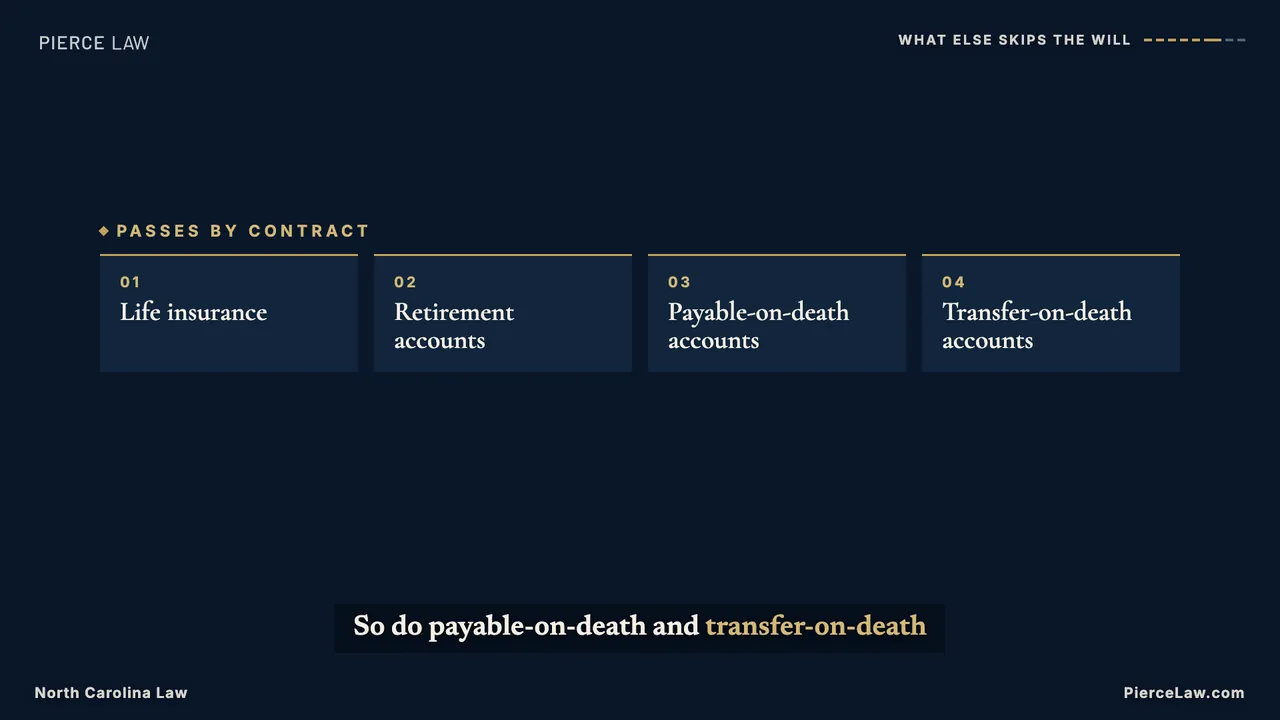
Lists: documents to gather, accounts that skip the will. May sit over scrimmed footage.
2–5 tiles, label ≤ 4 words, note ≤ 6.
compare
Contrasts: under the will vs automatic; deed vs will.
Two titles ≤ 4 words, 1–3 rows each ≤ 4 words.
flow
Cause and effect: “if the deed says this, then this happens.”
2–5 nodes ≤ 4 words, optional outcome ≤ 8.
steps
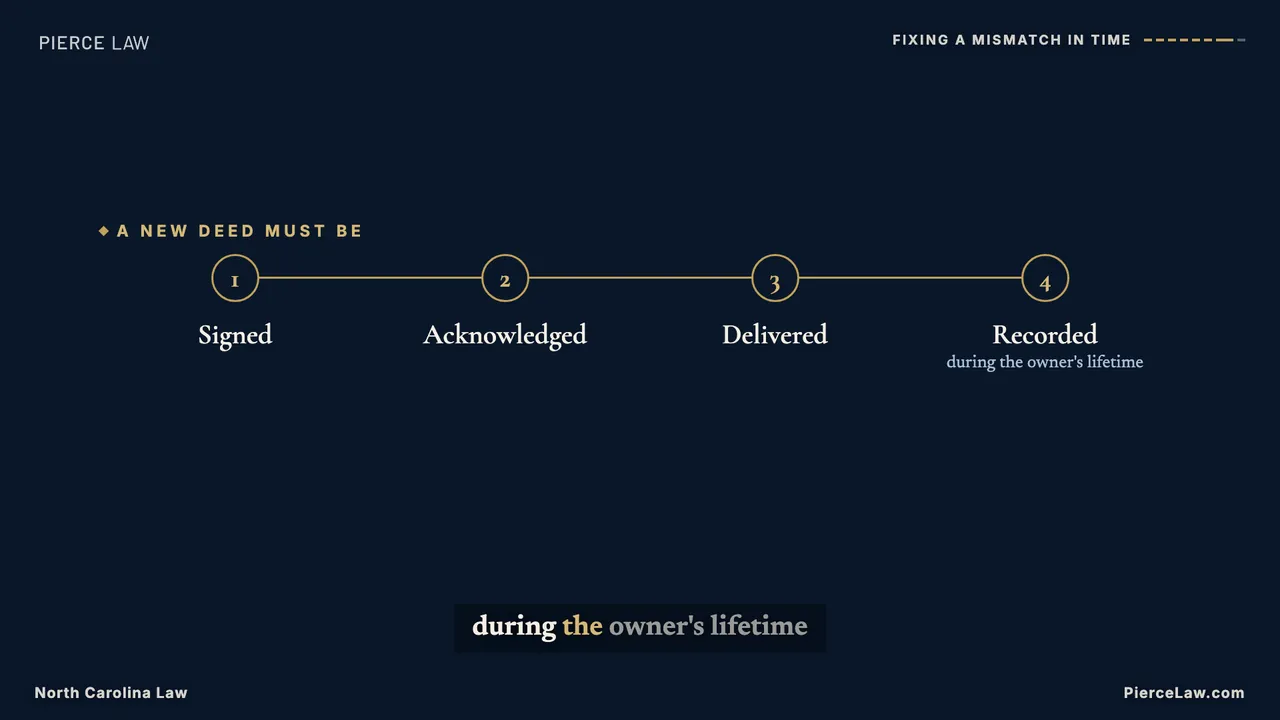
Procedures and recaps: sign, acknowledge, deliver, record.
3–5 steps ≤ 4 words.
subscribe
Once, right after the topic is established: the producer inserts it after the first content beat (producer.subscribe), spoken from the contract template “Do you want to know more about {{topic}}? Subscribe to learn how to {{solution}}.” The question rises in, the answer line follows in gold, and the top-right subscribe pill lands large with a ring pulse so the viewer learns what that pill does.
Question ≤ 12 words, line ≤ 14; needs topic.solution.
document
Reading a real instrument line by line: grantee, vesting, legal description. Sits over footage on the clip's copy side.
≤ 4 rows, value ≤ 6 words, one highlighted row.
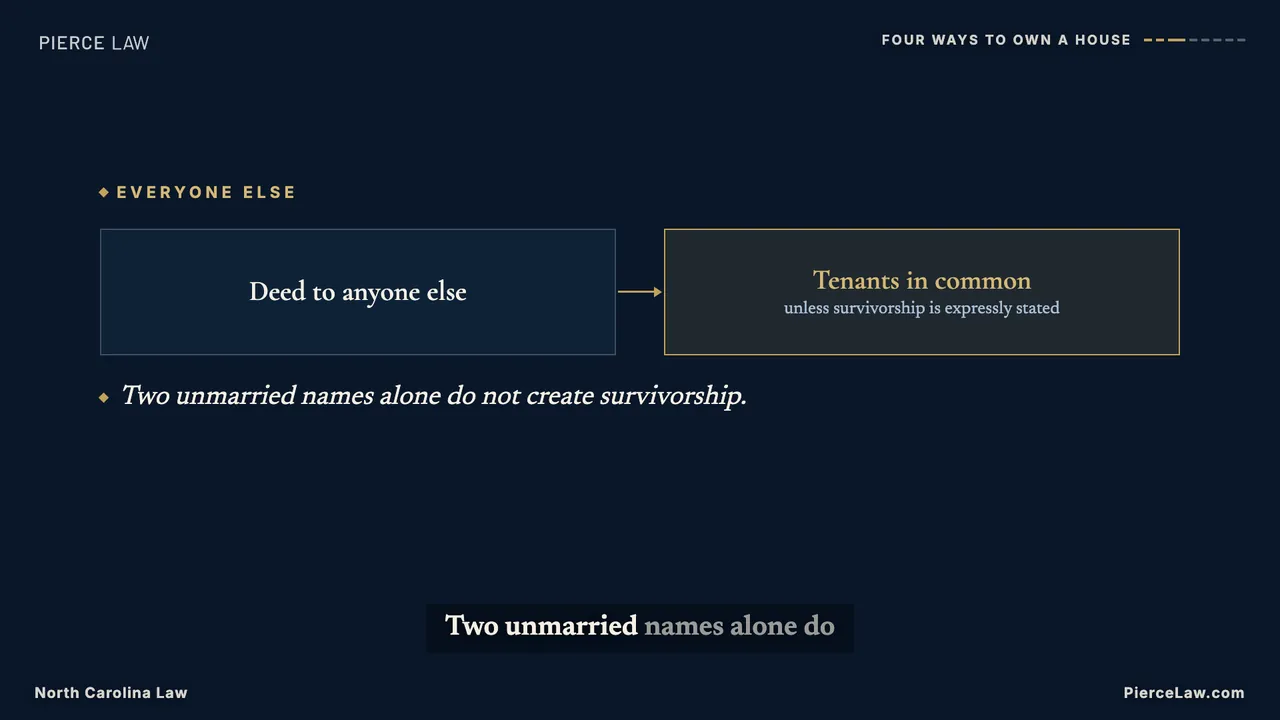
Visibility and density are executable. Every item reveals on a spoken cue word resolved from captions.json, so nothing appears ahead of the voice and a viewer reads one idea at a time; a cue the take never says as one caption word fails the check, because the item would otherwise fall back to an even spread. A board may carry at most 28 words once every item has revealed (captions excluded); full-frame boards drop the headline box; board copy is never smaller than 20 px at 1080p and always cream on navy, navy on cream, or gold as ink. At most three footage-free boards run back to back, every chapter returns to b-roll, and there must be at least three chapters so the derived YouTube chapter list is valid. TimDS validates the scene shape (structure.longform.graphicScenes, a visual.kind, natural-speed footage) and npm run check:video runs the Pierce budgets in video/remotion.test.ts over every production, so a crowded board fails in CI rather than in a render.
Keyframes — the board vocabulary at a glance (from deed-will-review, rendered from the prepared TimDS entry with npx remotion still video-local/generated/deed-will-review.mjs DeedWillReviewLong out.png --frame=N --public-dir video-local/public):
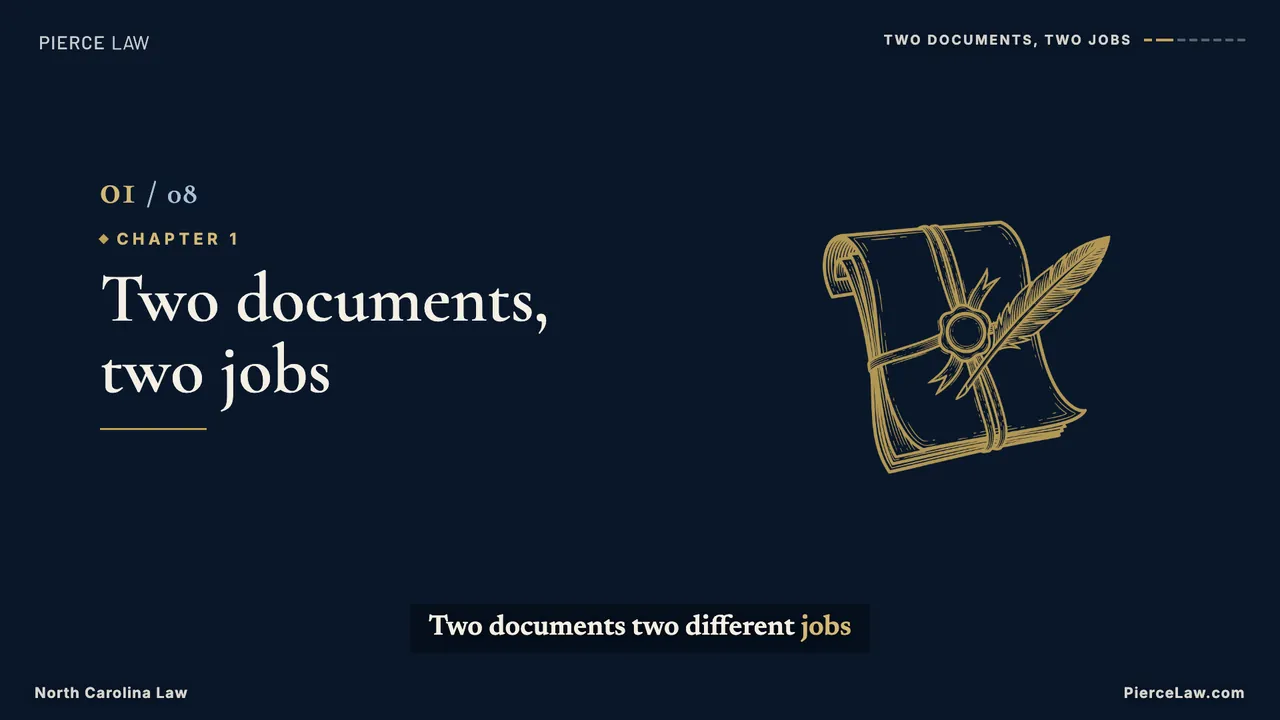
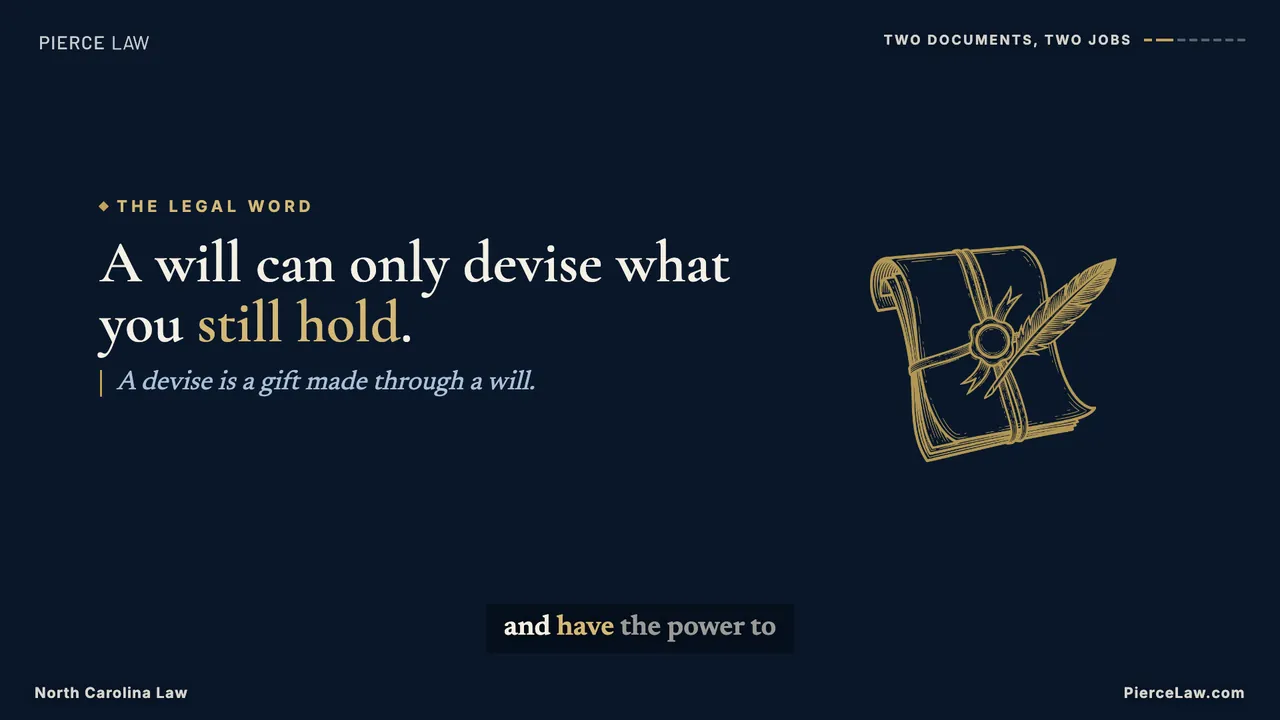
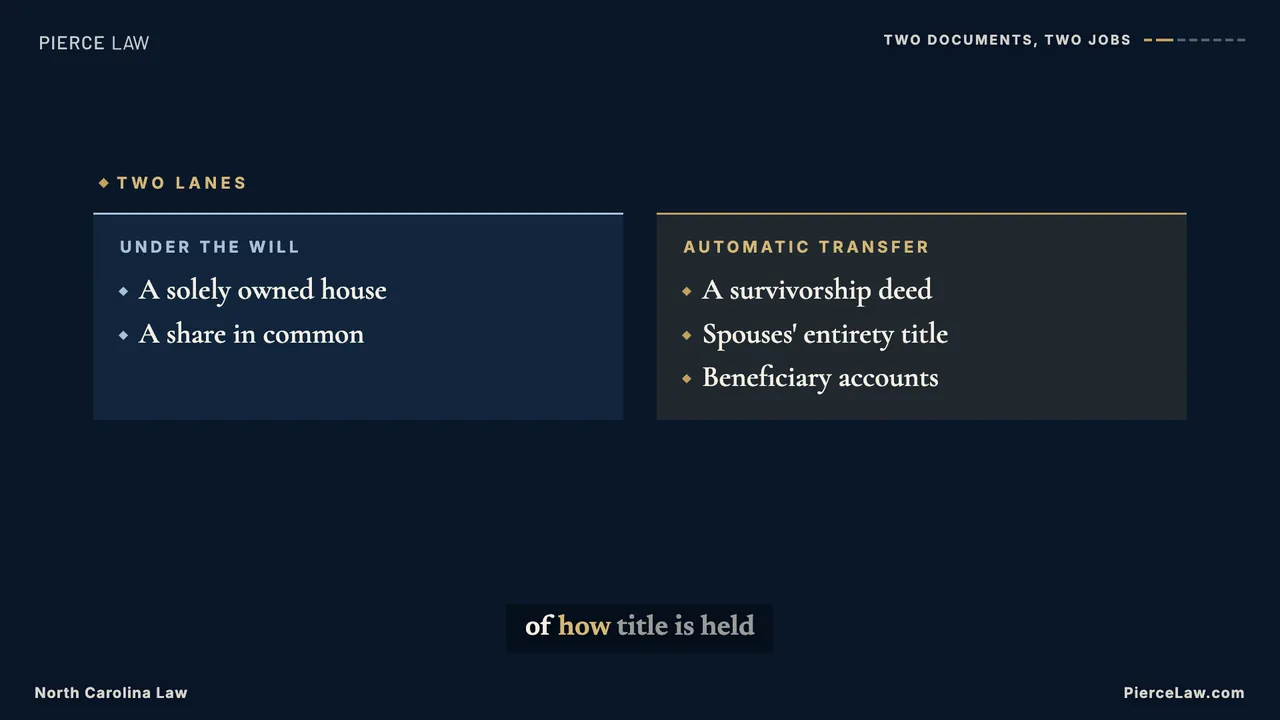
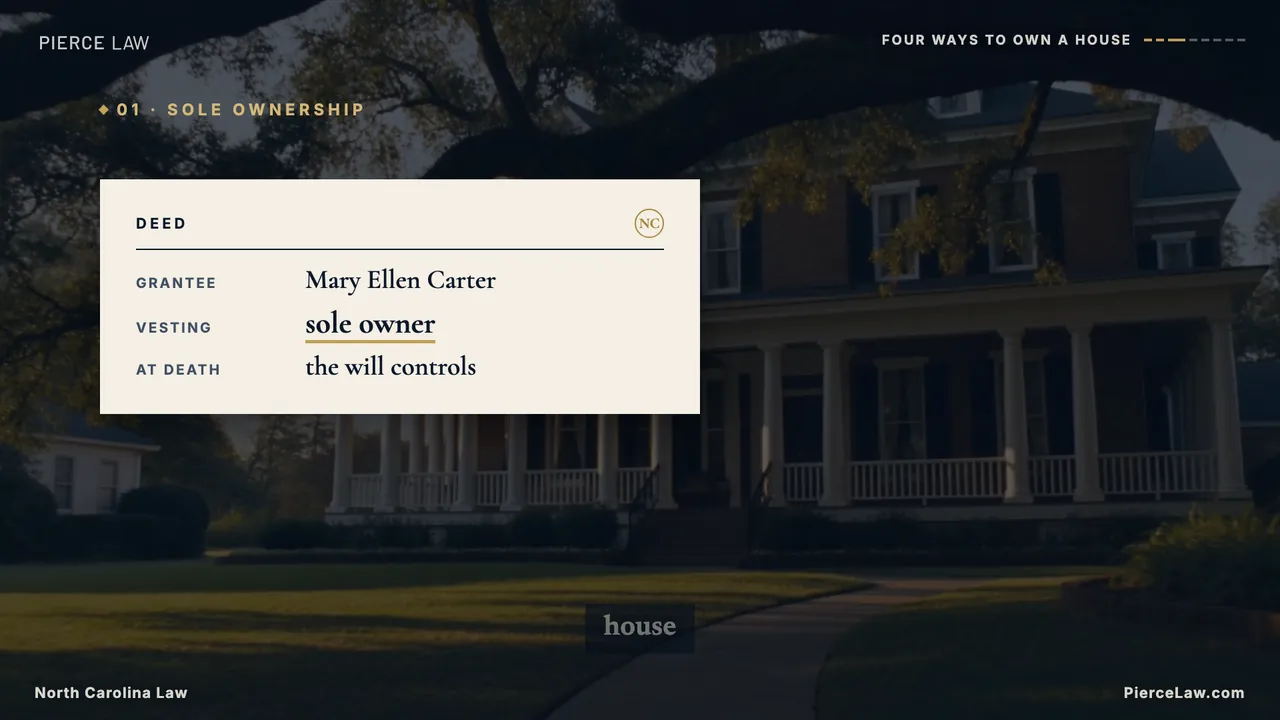
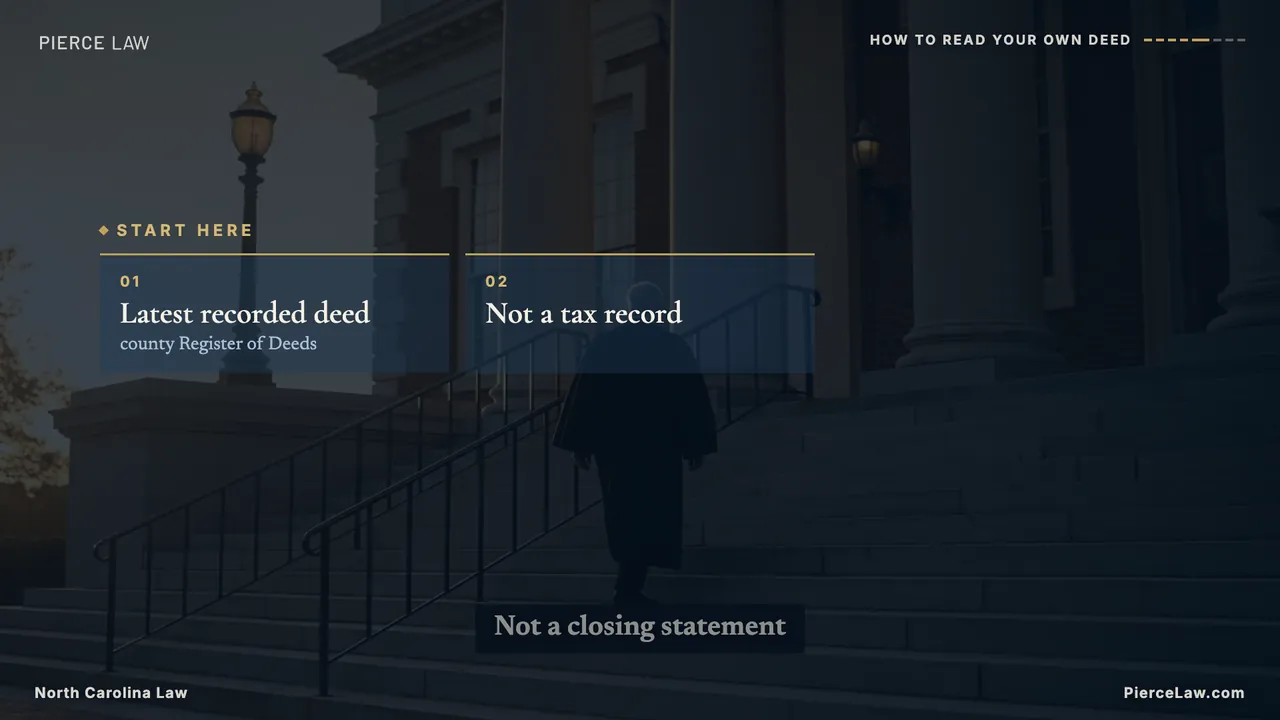
chapter-title · Chapter title — number, title, engraving motif; wipes in and names the YouTube chapter.statement · Statement — one kinetic line, one gold phrase, optional subline and motif. One per chapter.compare · Compare — two columns, muted vs gold, rows reveal on cue.document · Document — a cream deed excerpt over the clip's copy side; the highlighted row underlines in gold on its cue.flow · Flow — nodes joined by drawn connectors, last node gold, optional outcome line.cards · Cards over footage — numbered tiles reveal on spoken cues.cards · Cards — the list beat on the navy board.steps · Steps — a line that draws through numbered points as each is spoken.statement · Statement with motif — the reframed question at the close.footage · Footage scene — the unchanged explainer headline box, now with the chapter rail top-right.
Motifs come from the library. Boards draw the engraving set on Video assets. The contract mounts the whole library into every render through brand.staticFiles (public/design-system/illustrations → illustrations/), and a board that names a stem outside the library fails npm run check:video. The deed, Register of Deeds, and strongbox motifs were added for this format with the house engraving prompt through Higgsfield and registered with TimDS before use.
Step 6 — Shorts harvest
Each longform yields exactly five shorts, each built around a different self-contained payoff from the longform—not five summaries of the same hook. Reuse the exact long-form voice clips and measured word timings, but restage the beats in vertical grammar with registered -vertical b-roll. Each short gets a unique complete question title and description. Its first 12 frames use the generated direct-gaze portrait plus that full question, so frame zero is the selected YouTube Shorts cover and the Reels/TikTok grid cover. YouTube does not accept a separately uploaded custom thumbnail for Shorts; choose this designed frame during upload.
Step 7 — Descriptions & publishing
Long-form keeps its full description, source article, chapters, and disclaimer. Short videos have separate YouTube Shorts, Facebook Reels, and Instagram Reels copy. The executable policies below come directly from video/contract.json → publishing.targets.
Platform
Writing direction
Copy / total characters
CTA
YouTube Shorts
Write 1-2 concise sentences from this clip: a clear hook and a qualified payoff. Do not instruct viewers to click a description URL or promise a related video unless one is supplied.
240 / 500
Start your NC estate plan: https://piercelaw.com/v/shorts
Facebook Reels
Write 2-3 self-contained, conversational sentences from this clip. Explain why the situation matters to the audience and give a practical, qualified takeaway. Keep the important context in the caption.
360 / 700
Planning ahead in North Carolina? Start here: https://piercelaw.com/v/fb
Instagram Reels
Write a concise caption from this clip with a strong opening and a useful, qualified takeaway. Do not invent a profile link, ask viewers to click a caption URL, or copy the YouTube wording.
240 / 500
North Carolina estate planning: piercelaw.com/v/reels
The short captions share this disclaimer: General information, not legal advice. No attorney-client relationship.
Author each platform's copy from the actual clip, including its qualifications. Keep the CTA, series line, and disclaimer out of the authored copy; TimDS adds them once. Store the separate strings under each short's descriptions map in publishing.json. Existing production records without a descriptions map retain their legacy package.
Worked example — Hospital-POA
One topic through the whole chain, both formats. Source article: /news/estate-planning-qa-series/can-my-hospitalized-partner-sign-a-power-of-attorney-…-nc/.
All eight beats: hook → substance → answer → the fixed outro card. One voice, one grade, captions cued word-by-word.
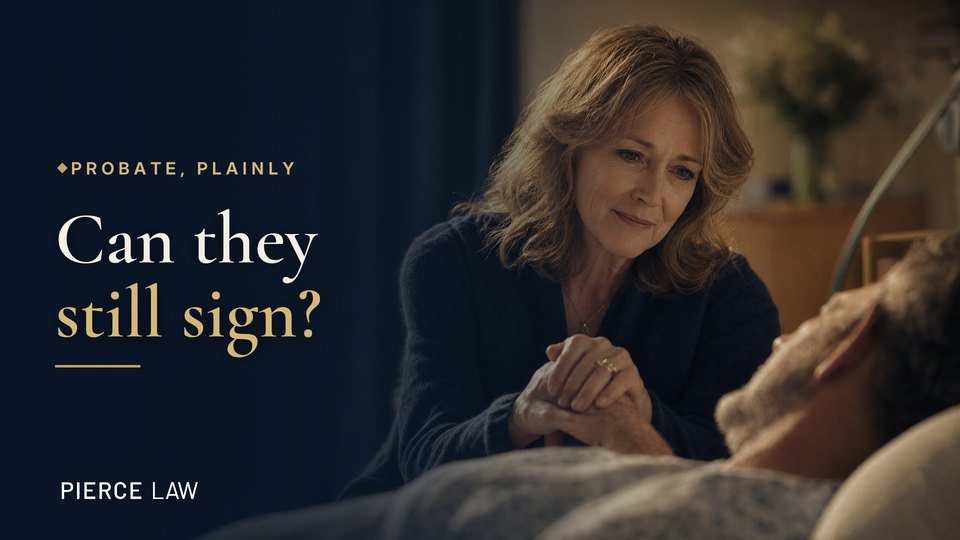
The cover template
Series eyebrow → serif hook with one gold phrase → gold rule → PIERCE LAW wordmark on the scrimmed side; an expressive face carries the other. Built per Thumbnails.
Cover rule — always a human focal point. Every cover leads with a face (or two) showing a strong emotion tied to the video — per the Thumbnails system, a single expressive face is the click magnet, and covers are the one deliberate exception to the "no faces in sharp focus" footage rule. When new visual generation is not authorized, select a face-forward frame from registered b-roll or use a licensed still supplied by the requester, then apply the standard lockup in Remotion. Never silently generate a cover photograph.
Eight script beats, each mapped to a scene with a library clip and a delivery setting:
Beat
Line (abridged)
B-roll pick
Delivery
hook
"They're on a respirator. Can they still sign a power of attorney?"
clasped-hands-offset — gentlest clip in the kit; subject right, text left
-9% / -2Hz
capacity
"The machine isn't the issue. Capacity is…"
clasped-hands-offset (held register)
-5% / -1Hz
speech
"Speech isn't required. Writing, pointing, a communication board…"
written-inquiry — NEVER FLIP, text moves to its declared side
-4% / +0Hz
financial / health
"A financial power of attorney needs a notary…" / "…two qualified witnesses, plus the notary."
pen-hover → family-support — object beat, then warmth
-4% / +0Hz
timing
"Sedation and delirium can close the window…"
pension-desk — neutral utility under the stakes line
-5% / -1Hz
answer
"So the question isn't 'can they speak?' It's 'do they understand — and is it their choice?'"
clasped-hands-offset — returns to the hook's image, closing the loop
-8% / -2Hz
outro
"This is Probate, explained plainly, with Pierce Law. Visit PierceLaw.com to get more answers."
Brand outro card with PierceLaw.com below the logo
-9% / -2Hz
Its published description.md, verbatim — Q/A from the article, computed chapters, article link, standard disclaimer:
Q: Can a hospitalized person on a respirator still sign a power of attorney? (North Carolina)
A: Often yes — the machine is not the issue; capacity is. The signer must understand the
document and choose it freely. Speech is not required: writing, pointing, or a communication
board can establish clear communication. The formalities differ by document: a financial
power of attorney must be acknowledged before a notary, while a health care power of
attorney requires two qualified witnesses in addition to the notary. Timing matters most
in a hospital — sedation and delirium can close the window, so signing should happen
during a clear, stable period, ideally documented by the care team. The real question is
never 'can they speak?' It is 'do they understand — and is this their choice?'
Probate — North Carolina Law
0:04 Capacity, not machinery
0:12 Communication without speech
0:23 Witnesses and the notary
0:30 Signing in a clear window
Read the full article: https://piercelaw.com/news/estate-planning-qa-series/can-my-hospitalized-partner-sign-a-power-of-attorney-if-they-are-on-a-respirator-but-can-communicate-in-writing-nc/
Disclaimer: This video provides general information about North Carolina law based on the
single question stated above. It is not legal advice for your specific situation and does
not create an attorney-client relationship. Laws, procedures, and local practice can change
and may vary by county. If you have a deadline, act promptly and speak with a licensed
North Carolina attorney.
Three harvested beats on vertical b-roll, navy scrim, lower-third text, same mp3s as the longform.
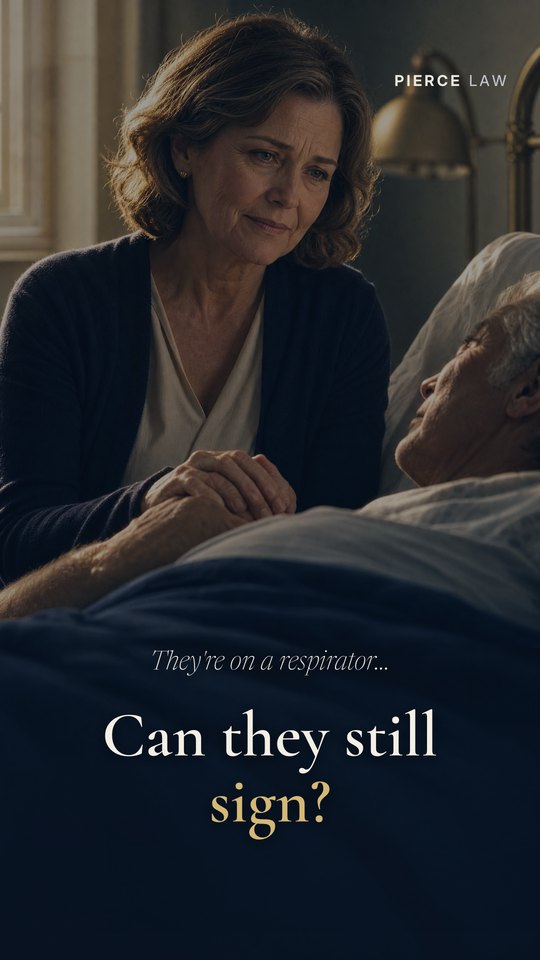
The cover template
Faces hold the upper half, the kicker + serif hook sit in the lower third over the scrim, wordmark top-right. The always-a-face rule applies here too.
Harvests ["hook", "capacity", "outro"] — the same three mp3s as the longform, restaged vertically on clasped-hands with a 0.5 scrim and lower-third text. Its published description.md, verbatim — no chapters, the bridge line instead:
Q: Can someone on a respirator sign a power of attorney?
A: Often yes. The question is capacity — understanding the document and choosing it
freely — not whether they can speak.
Probate — North Carolina Law
Watch the full explainer for the complete answer.
Read the full article: https://piercelaw.com/news/estate-planning-qa-series/can-my-hospitalized-partner-sign-a-power-of-attorney-if-they-are-on-a-respirator-but-can-communicate-in-writing-nc/
Disclaimer: This video provides general information about North Carolina law based on the
single question stated above. It is not legal advice for your specific situation and does
not create an attorney-client relationship. Laws, procedures, and local practice can change
and may vary by county. If you have a deadline, act promptly and speak with a licensed
North Carolina attorney.
Same voice, same take, same article. The short's audio is byte-identical to the longform's — harvested, never re-recorded — and both descriptions route to the same source article. That's the whole system in one topic: one article, one voice, one family of assets.
Which skill for which job
You're asking
Skill to trigger
"What should our next video be about?"
video-topic-research — after checking the blog's Q&A series for unfilmed posts