
Responsive display and Performance Max
For responsive ads, Pierce supplies parts, not finished ads. Google assembles images, headlines, descriptions, and a logo into whatever the placement needs, and adds its own text and button on top. So the images carry little or no text, and the copy lives in the text assets below.
The photo inside an ivory margin with one gold hairline. No text. Reads as editorial when Google places it beside its own copy.

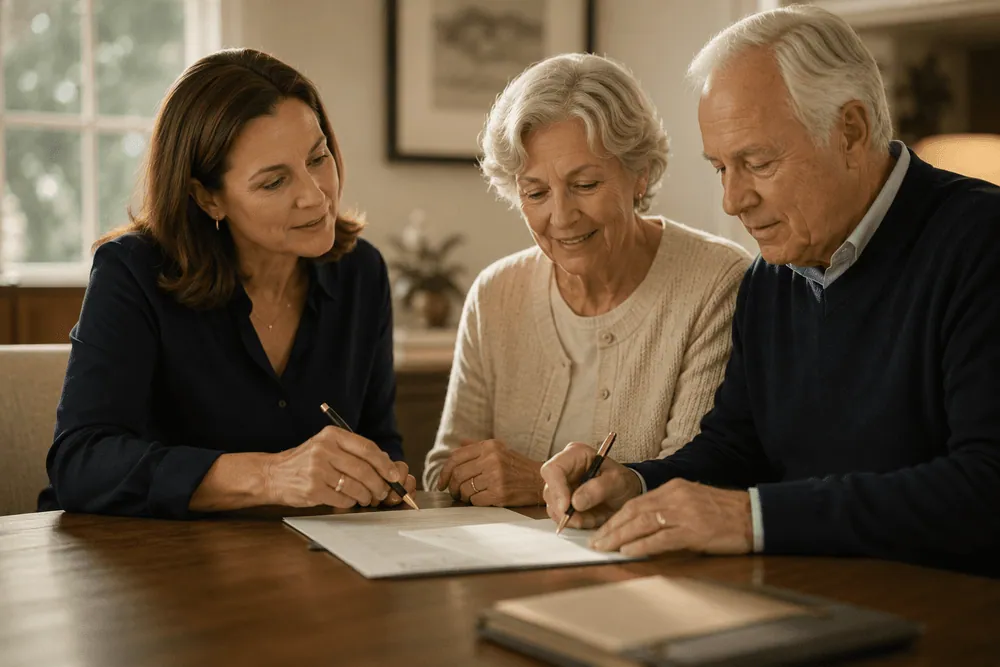
The photo full bleed over a navy base band with a gold rule and lozenge. No text. The band survives most crops and marks the set as Pierce.
Navy flood with the photo on one side and one short display line. The only step with text in the image, so test it against Minimal.
Plan for your family.
Plan for your family.
How Google assembles it
An illustration of one common layout. Google chooses the layout, crop, and which text assets appear, so never design an image that only works with one headline.
 Pierce Law Group
 Text assets
Sample assets for the current campaign, read from responsive in src/lib/digital-content.json. The counts are computed when the page builds, and the build fails if any asset is over Google’s limit.
| Asset | Limit | Sample copy |
|---|---|---|
| Headlines Up to 5 for Responsive Display, up to 15 for Performance Max. Each must make sense alone, because Google mixes them. | 30 characters |
|
| Long headlines Choose one for Responsive Display, or up to 5 for Performance Max. The alternatives below are a copy bank. Shown in larger placements instead of a short headline, never with one. | 90 characters |
|
| Descriptions Up to 5 for either format. Each description can use the full 90 characters. | 90 characters |
|
| Business name Always the firm name, exactly as on the logo. | 25 characters |
|
Platform specifications: Responsive Display text assets · Performance Max asset requirements.
Image specification
| Image | Size | Safe area | File | Note |
|---|---|---|---|---|
| Responsive landscape | 1200 × 628 | 60 px | JPG, 5 MB max | Google crops and overlays copy on responsive ads; keep text off the image. |
| Responsive square | 1200 × 1200 | 60 px | JPG, 5 MB max | Google crops and overlays copy on responsive ads; keep text off the image. |
responsive.photos, and pick photos with people facing the camera. Google can show any of them in any placement, so each must work alone.Logo assets
Google shows the logo beside the business name, small, often on a white card. Upload both shapes.


| Logo | Use |
|---|---|
| Square 1:1 | The PL monogram in colour on white, centred with generous padding. Google always shows the business name next to it, so the firm name still appears. |
| Landscape 4:1 | The full Pierce Law Group lockup in colour on white. Use this one wherever Google allows a choice. |
| Background | White, never transparent. Google can place a transparent logo on a dark or photo background where the navy lockup disappears. |